Why More People Are Switching to Browser-Based Tools Instead of Installing Software
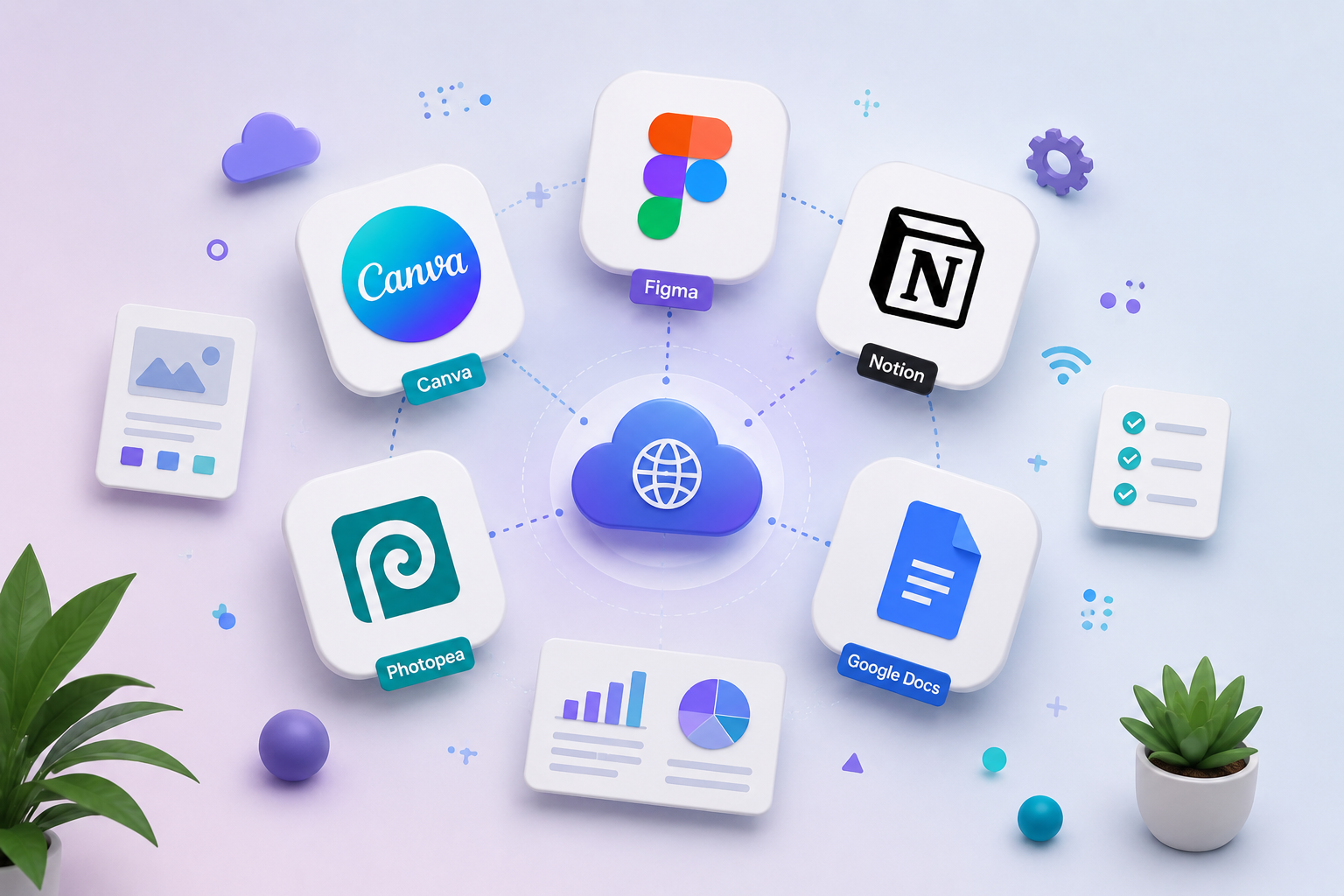
Find out why browser-based tools are becoming increasingly popular with students, professionals, and businesses. Learn how apps like Canva, Figma, Notion, Photopea, and Google Docs are changing the way humans work on the internet.
The way we use software is changing.
A few years ago, most people had to download and install software in order to get down to work. Browser-based tools are making that process a lot easier today.
Instead of installing big programs, users can open a browser, sign in and get straight to work. From graphic design and document creation to project management and collaboration, browser-based tools are increasingly the tool of choice for millions of people around the globe.
Popular platforms such as Canva, Figma, Notion, Photopea, and Google Docs demonstrate that powerful software no longer has to be installed on a computer.
What are tools based on the browser?
Browser-based tools are applications that are run directly from a web browser such as Chrome, Edge, Firefox, or Safari.
Rather than downloading software, users just go to a website and work from an online workspace.
Popular browser-based tools are:
- Canva for graphic design
- Figma for UI/UX design
- Notion for productivity
- Photopea for image editing
- Google Docs for document creation
Because these tools are cloud-based, users can access their work from almost anywhere.
Why Are Browser-Based Tools Becoming So Popular?
1. Access From Anywhere
One of the biggest advantages of browser-based tools is flexibility.
Users can access their files from:
- Laptops
- Desktop computers
- Tablets
- Smartphones
This makes browser-based tools ideal for students, remote workers, freelancers, and businesses.
2. No Installation Required
Traditional software often requires:
- Downloads
- Updates
- Compatibility checks
- Storage space
Browser-based tools remove these barriers. Users can start working immediately without worrying about system requirements.
3. Automatic Updates
Traditional software users often need to install updates manually.
Browser-based tools automatically update in the background, so users always have the latest features and security enhancements.
4. Better Collaboration
Today’s teams must work together in real time.
Many browser-based tools allow multiple users to:
- Edit files together
- Leave comments
- Share feedback instantly
- Track changes
This improves productivity and communication.
Popular Browser-Based Tools in 2026
Canva: Design Made Simple
Canva has made graphic design accessible to everyone.
Users can create:
- Social media graphics
- Presentations
- Posters
- Marketing materials
- YouTube thumbnails
You can learn more about Canva’s features on the official Canva website.
Canva https://www.canva.com
Figma: Real-Time Design Collaboration
Figma has transformed UI and UX design by allowing teams to collaborate directly in a browser.
Designers can:
- Create prototypes
- Build interfaces
- Share feedback
- Work with developers
You can learn more about Figma’s features on the official Figma website.
Figma (https://www.figma.com)
Notion: Productivity in One Place
Notion combines:
- Notes
- Task management
- Documentation
- Team collaboration
into a single browser-based workspace.
You can learn more about Notion’s features on the official Notions website.
Notion (https://www.notion.so)
Photopea: Powerful Online Image Editing
Photopea allows users to edit:
- PSD files
- PNG images
- JPEG files
- Vector graphics
without installing expensive software.
You can learn more about Photopea’s features on the official Photopea website.
Photopea (https://www.photopea.com)
Google Docs: Smarter Document Collaboration
Google Docs enables users to create, edit, and share documents in real time.
Key benefits include the following:
- Automatic saving
- Cloud storage
- Team collaboration
- Easy sharing
You can learn more about Google Docs’ features on the official Google Doc https://docs.google.com
Are Browser-Based Tools Better?
Benefits of browser-based tools are many:
Benefits
- Easy access from any device
- No installation required
- Automatic updates
- Cloud storage
- Real-time collaboration
Limitations
- Internet connection may be required
- Some advanced features are limited
- Performance depends on browser capabilities
For most users, the advantages outweigh the limitations.
Frequently Asked Questions
What are browser-based tools?
Browser-based tools are online applications that work directly inside a web browser without requiring installation.
Why are browser-based tools becoming popular?
They are cloud-based, automatically updated, easily accessible, and support real-time collaboration.
Are browser-based tools safe?
The most respected online tools use advanced security, cloud backups, and encrypted connections to keep your data safe.
Conclusion
Browser-based tools are changing how people work, learn, and collaborate online.
Platforms like Canva, Figma, Notion, Photopea, and Google Docs prove that powerful software no longer needs to be installed on a device.
As cloud technology continues to improve, browser-based tools will become even more important for students, professionals, content creators, and businesses looking for flexibility and efficiency.
The rise of browser-based tools reflects a broader shift in how people use technology. Similar changes can be seen in online search, where AI-powered platforms are transforming how users find information. Read
Related Reading
Interested in the latest technology trends?
- Is AI Going to Replace Google Search? What Users Are Choosing in 2026
https://rategears.com/is-ai-going-to-replace-google-search-what-users-are-choosing-in-2026/





Post Comment