Why More People Are Switching to Browser-Based Tools Instead of Installing Software
The way people work online has changed a lot in the last few years. It wasn’t long ago that installing software was a regular part of using a computer. Whether it was photo editing, document creation, graphic design, or project management, users had to download and install programs before they could get to work.
Today, that is no longer true. Increasingly, people are moving to tools that run in a browser and don’t need to be installed. Browser-based applications are gaining popularity among students, freelancers, businesses, and remote teams due to their flexibility, accessibility, and convenience.
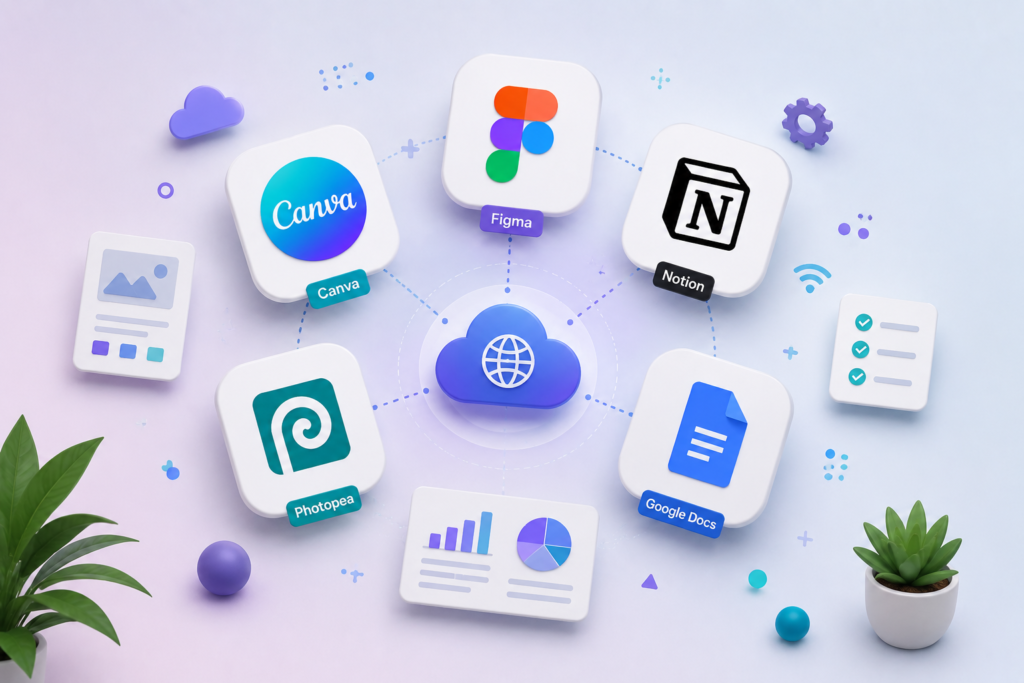
Platforms such as Canva, Figma, Notion, Photopea, and Google Docs are proving that powerful software doesn’t have to be installed on a device to work well.
What Are Browser-Based Tools?
Browser-based tools are applications that run entirely within an internet browser such as Chrome, Edge, Firefox, or Safari.
Instead of downloading software to your computer, you just visit a website, log in, and get to work.
Some of the most popular examples include:
- Canva for graphic design
- Figma for UI/UX design
- Notion for productivity and note-taking
- Photopea for image editing
- Google Docs for document creation
These tools save your work in the cloud so you can access it from virtually any device.
Why Browser-Based Tools Are Gaining Popularity
There are several reasons why users are moving away from traditional software installations.
1. Access From Anywhere
One of the biggest benefits of browser-based applications is that they are easy to access.
Your files, projects, and documents are saved online so you can access them from the following:
- Laptops
- Desktop computers
- Tablets
- Smartphones
This flexibility is particularly useful for remote workers and students who switch between devices throughout the day.
This presentation can be made in Google Docs, then edited at home, checked on the phone on the way, and finished on the laptop, without having to manually transfer files.
2. No Installation Required
Traditional software often requires the following:
- Downloads
- Updates
- System compatibility checks
- Storage space
These challenges are removed by browser-based tools. Users just open a browser and get to work immediately. This saves time and avoids technical problems, particularly for beginners.
3. Automatic Updates
One common annoyance with installed software is keeping it up to date.
Browser-based tools are updated automatically in the background.
Users always get the latest features, security updates, and bug fixes without needing to download new versions.
This provides a better experience and less maintenance.
Canva: Design for Everyone
Canva has transformed graphic design by making it accessible to people without professional design experience.
Users can make the following, instead of installing complicated software:
- Graphics for social media
- Presentations
- Posters
- Marketing materials
- YouTube thumbnails
through a simple browser interface.
You can learn more about Canva’s features on the official Canva website. https://www.canva.com
Figma: The Browser-Based Design Revolution
Figma has become one of the most popular tools for UI and UX design.
Unlike traditional design software that requires installation, Figma works directly in a browser while allowing teams to collaborate in real time.
Designers can:
- Create prototypes
- Build interfaces
- Share feedback instantly
- Collaborate with developers
This collaborative approach has made Figma a preferred choice for many design teams: https://www.figma.com
Notion: Productivity Without Complexity
Notion combines note-taking, project management, documentation, and task organization into one browser-based platform.
Students, freelancers, and businesses use Notion to organize information without needing multiple applications.
Popular uses include:
- Personal planning
- Team collaboration
- Knowledge management
- Content planning
Because everything is cloud-based, users can access their workspace from anywhere.
External Link: https://www.notion.so
Photopea: A Powerful Alternative for Image Editing
Many users need advanced image editing but do not want to pay for expensive software or install large programs.
Photopea solves this problem by providing professional editing tools directly through a browser.
Users can work with:
- PSD files
- PNG images
- JPEG files
- Vector graphics
without installing any software.
For quick editing tasks, Photopea offers a surprisingly powerful experience.
Google Docs: Redefining Document Collaboration
Google Docs has changed how people create and share documents.
Instead of sending multiple versions of a file back and forth, teams can collaborate in real time within a single document.
Benefits include:
- Cloud storage
- Real-time editing
- Automatic saving
- Easy sharing
These features have made Google Docs a standard productivity tool for schools, businesses, and remote teams. https://docs.google.com
Are Browser-Based Tools Better Than Traditional Software?
Browser-based tools offer significant advantages, but they are not always perfect.
Advantages
- Easy access from any device
- No installation required
- Automatic updates
- Real-time collaboration
- Reduced storage requirements
Limitations
- An internet connection is often required
- Some advanced features may be limited
- Performance depends on browser capabilities
For most everyday users, however, the benefits often outweigh the drawbacks.
The Future of Cloud-Based Software
The growing popularity of browser-based applications reflects a larger shift toward cloud computing.
Users increasingly value:
- Flexibility
- Collaboration
- Accessibility
- Simplicity
As internet infrastructure continues to improve, browser-based tools are likely to become even more powerful.
Many software companies are moving from traditional desktop applications to web-based experiences.
Conclusion
Browser-based tools are changing the way people work, learn, and collaborate online. Apps like Canva, Figma, Notion, Photopea, and Google Docs demonstrate that you don’t need to install powerful software to get the job done.
Browser-based tools provide students, professionals, content creators, and businesses with a faster, more flexible, more accessible way to manage everyday work.
As cloud technology is always changing, the transition from installed software to browser-based applications will likely accelerate, making online productivity tools an integral part of the modern digital age.





Post Comment